📂 Sub-Folders & Media Sorting
These new media related features will make your life much easier by allowing you to organize your media in a much better way.
📂 Sub-Folders
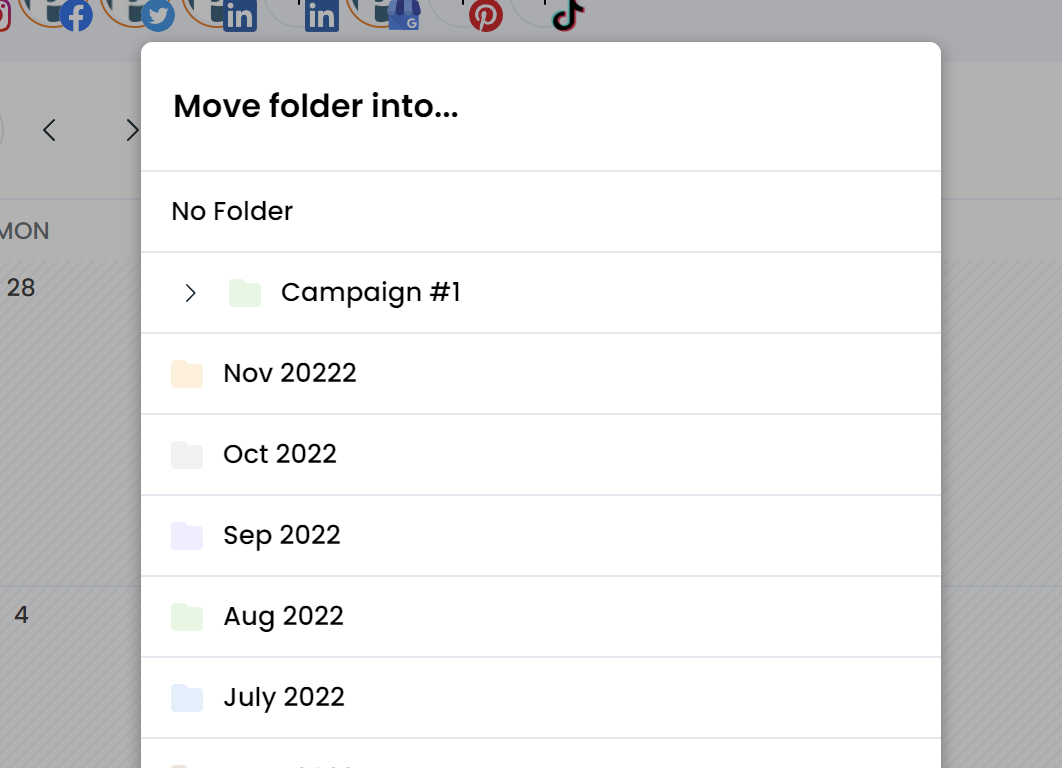
You can now add folder into folders in your media library to stay more organized. You can also move existing folders into folders.
Add new sub-folder To add a new sub-folder just open your folder, then from the top "New+" button add a new folder. It will be nested inside this folder.
Move existing folder into a folder To move an existing folder into a folder you can either:
-
hover a folder, click the "..." then select move
-
open a folder, then click the folder name and select move
🔃 Media Sorting
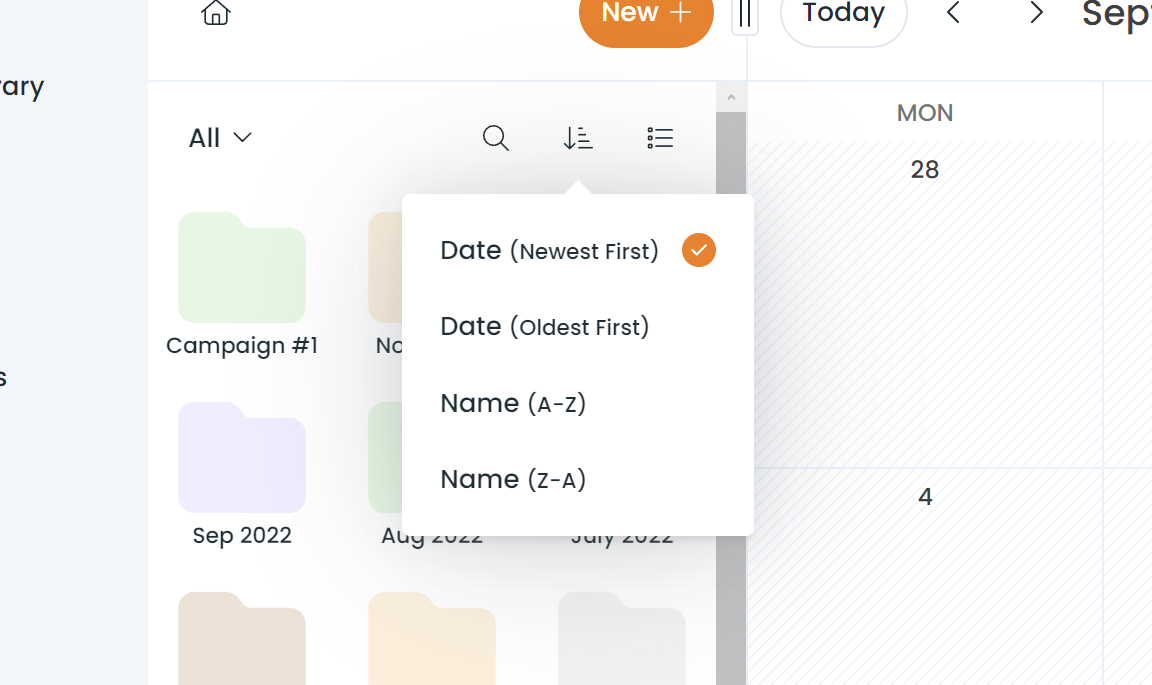
You can also now sort media & folder in the media library.
Just click the sort button above the media and select either Date or Name. When sorting, folders will always appear first.