
Introducing "Queue"
We've just launched a brand new feature called Queue!
Say goodbye to selecting a schedule date for every. single. post. 👋
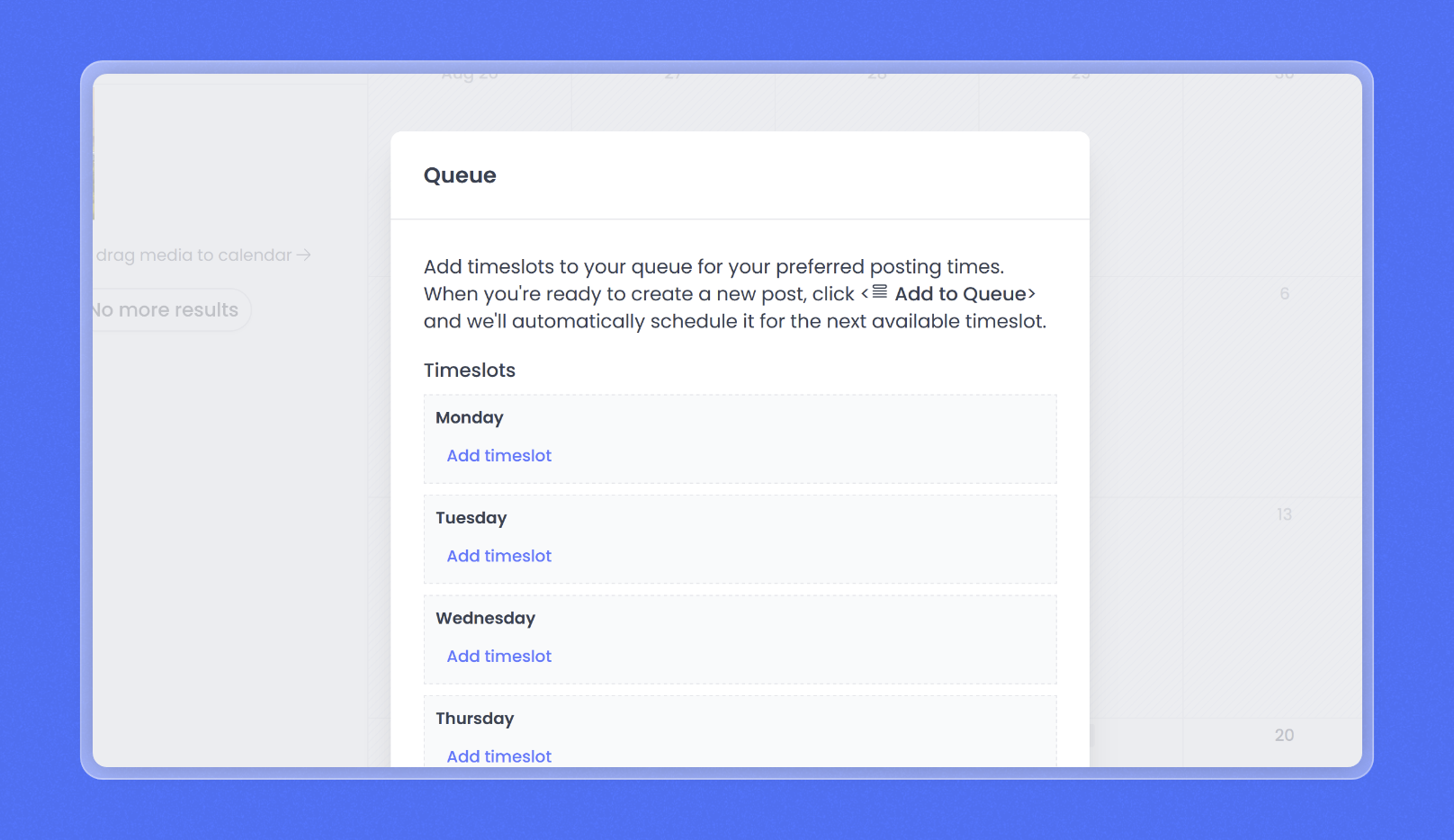
Add time slots to your queue for your preferred posting times. When you're ready to create a new post, click and we'll automatically schedule it for the next available time slot.
And that's it. Less clicks. Less things to remember.
Here's how to set it up in a few seconds:
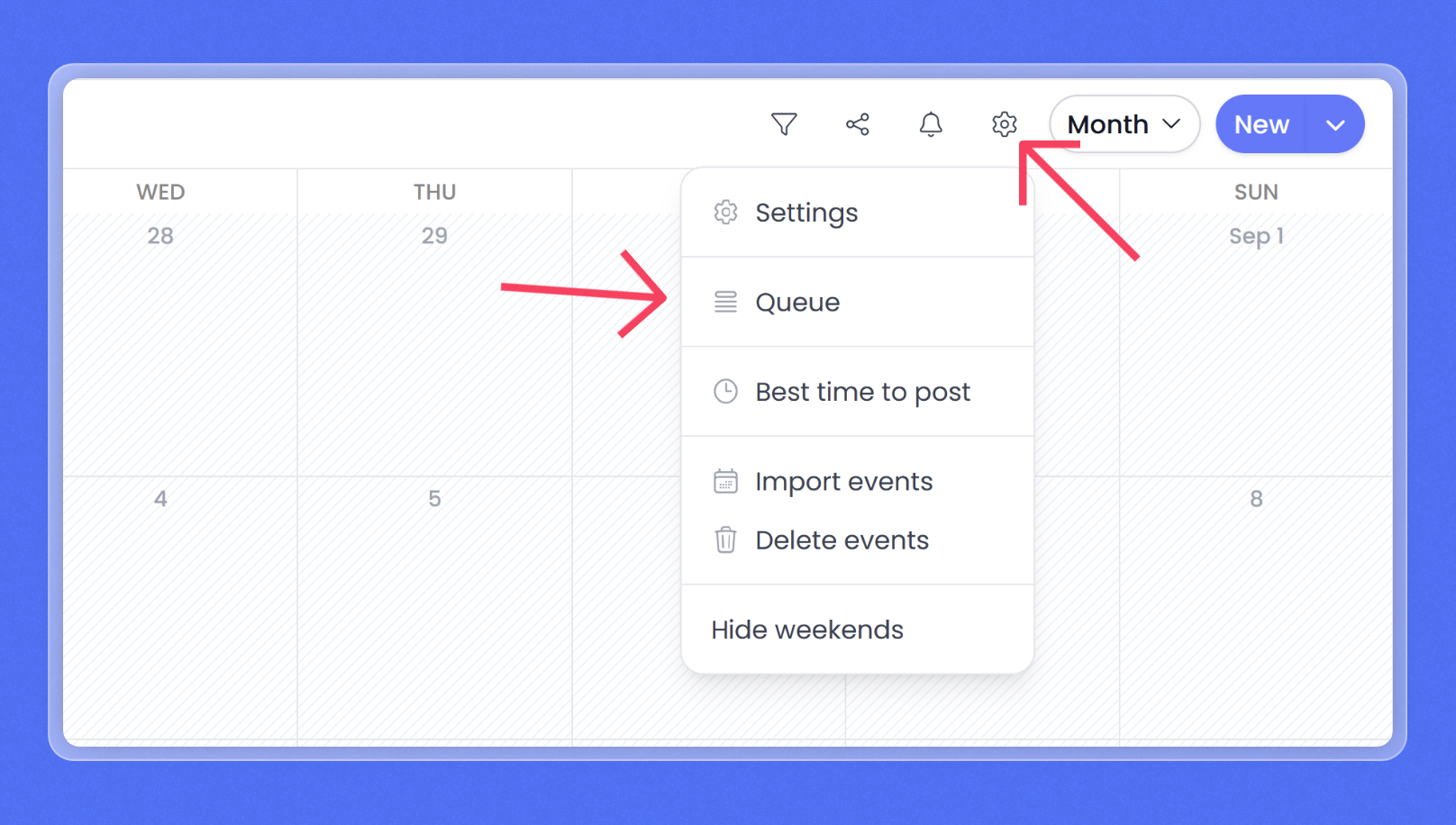
- Go to [your calendar](And that's it. Less clicks. Less things to remember.) and click the settings icon -> queue
- From the Queue window, click Add timeslot to choose your preferred times
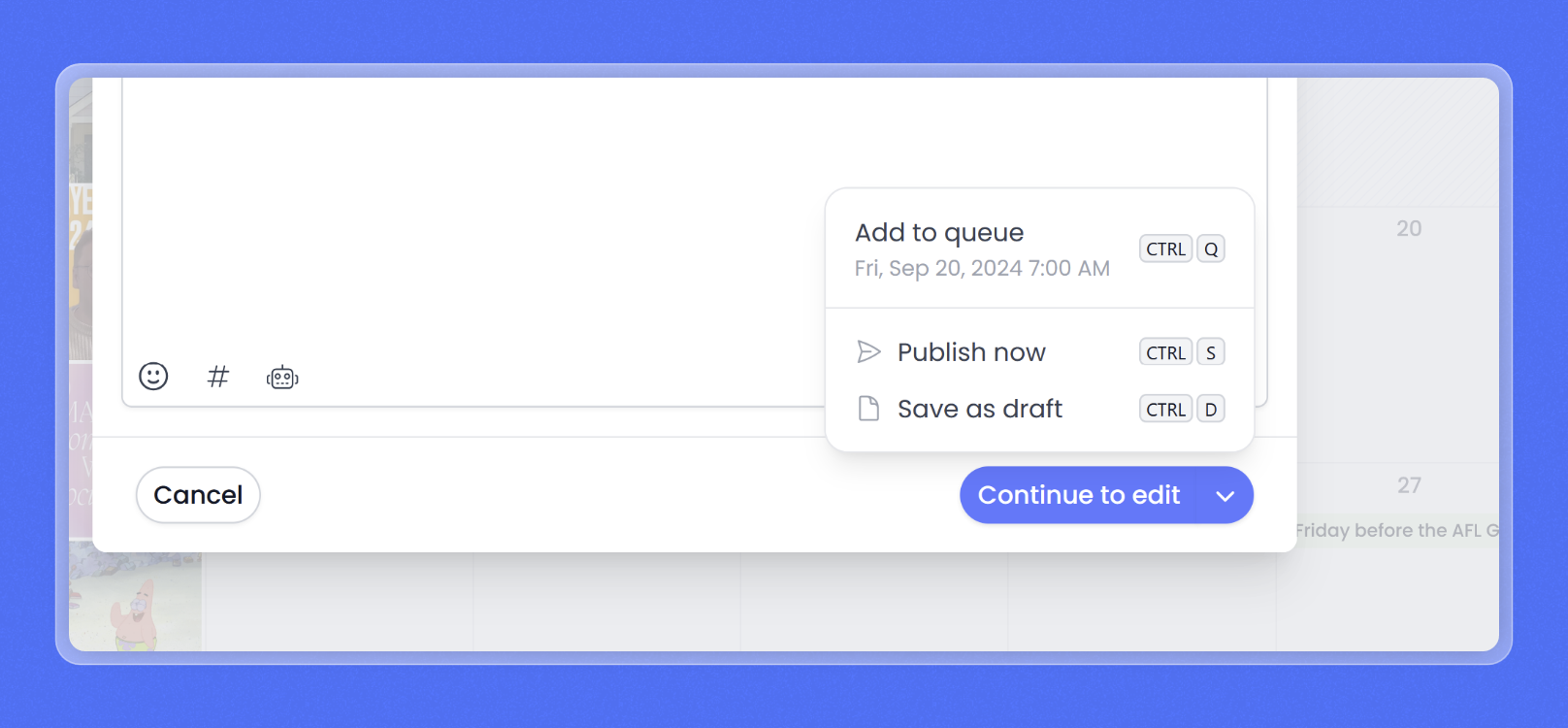
- Now, when creating a new post look for the option Add to queue
Happy Queue'ing!