
Easier team management & more...
Improvements to teams
Whilst I was working on adding scheduling into our service it dawned on me that we're going to need a better & easier way to manage teams, as scheduling is a great task to give to your staff.
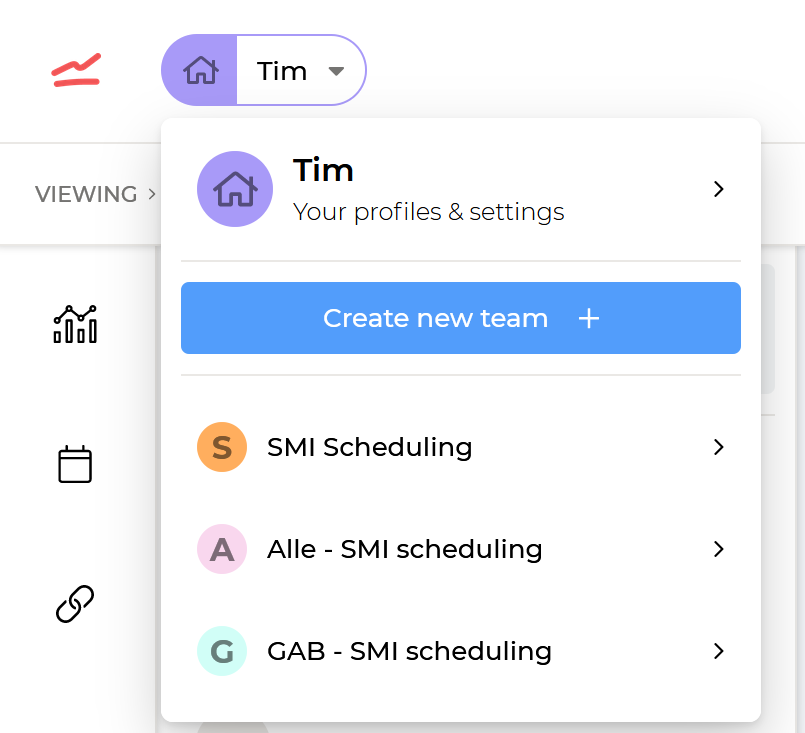
Now you can toggle between team views in the top left corner, where you will see all the teams you've created or that you are a part of:
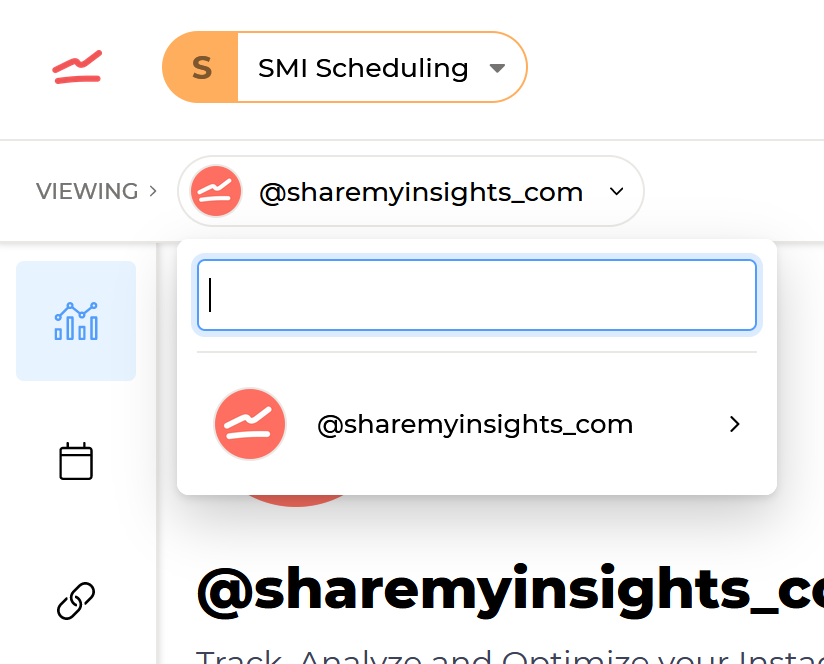
Once you change teams, the account menu will update with all of the team accounts that you can choose from:
Manage your teams, reports, profiles and settings in the one place
To continue on our journey to make Share My Insights easier to use, I decided it best to move all user related settings into the one section "Settings". In the settings section you can now add profiles, reports, teams, change your Facebook settings and manage your global settings.
You can find the new layout by clicking the settings icon in the top right of the dashboard, or here: https://sharemyinsights.com/dashboard/settings/profiles