
Oct 21
Reel/video-specific: manually push cover images
Our workaround is to do a manual push as a Carousel where we upload the video as well as the cover image. And this way, the client can also see the cover image in the public calendar view. Since, if we comment the cover image, clients currently can’t see images in comments. But this workaround makes it easy for publishing so we don’t have to download the image elsewhere before manually publishing the Reel.
I know Instagram currently doesn’t allow auto-publishing cover images with Reels (only choosing a thumbnail from the vid itself), but maybe we can update the verbiage/options for manual pushes or include in the Reel category so it says something like “Instagram currently doesn’t allow auto-publishing cover images with Reels; change to Manual and upload the cover image along with the video and you’ll receive a push notification to download both media along with the caption.”
Just thinking of other users who may be looking for a solution!
Completed
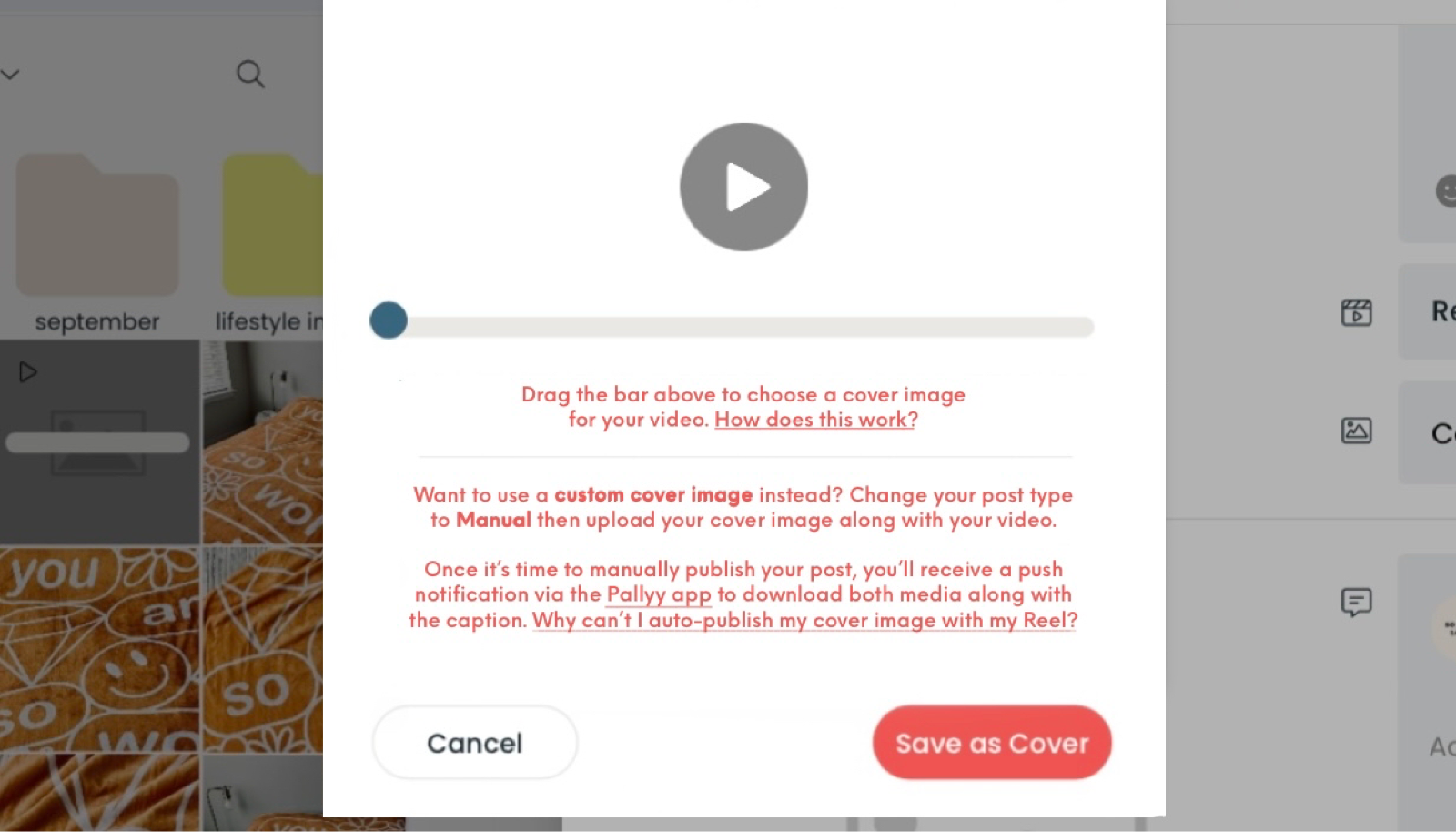
Hey Mary | SWL, Yes, this is a great point - and a nice workaround. I do have in my planned section to add the images to the client facing page so they can see them, which should be done pretty soon. In the meantime which would be better: - Adding a text warning when "Reel" is selected saying "Instagram currently doesn’t allow auto-publishing cover images with Reels; change to Manual and upload the cover image along with the video and you’ll receive a push notification to download both media along with the caption." - Adding another post type "Manual - Reel" which is essentially just the same as manual? Might be a bit confusing though. Let me know which you think is best! Thanks