Pallyy
Pallyy
May 9

Link to Canva Pro account

Hi Tim It looks like media Library connects with a non log in Canva version. Will there be the possiblity to connect with my Canva Pro account in the future? Otherwise I have to create, download files then upload to Pallyy.
CompletedCompleted

May 11, 2022

Kristina Cope & Jyn Cunningham Actually you do need to log in to use this feature, but if you're already logged in on another tab - it won't prompt you to log in. So, to log in to another account, just open up canva.com and log out, then go back into Pallyy and open the Canva feature again & it should prompt you to log in! Let me know how it goes.

May 11, 2022

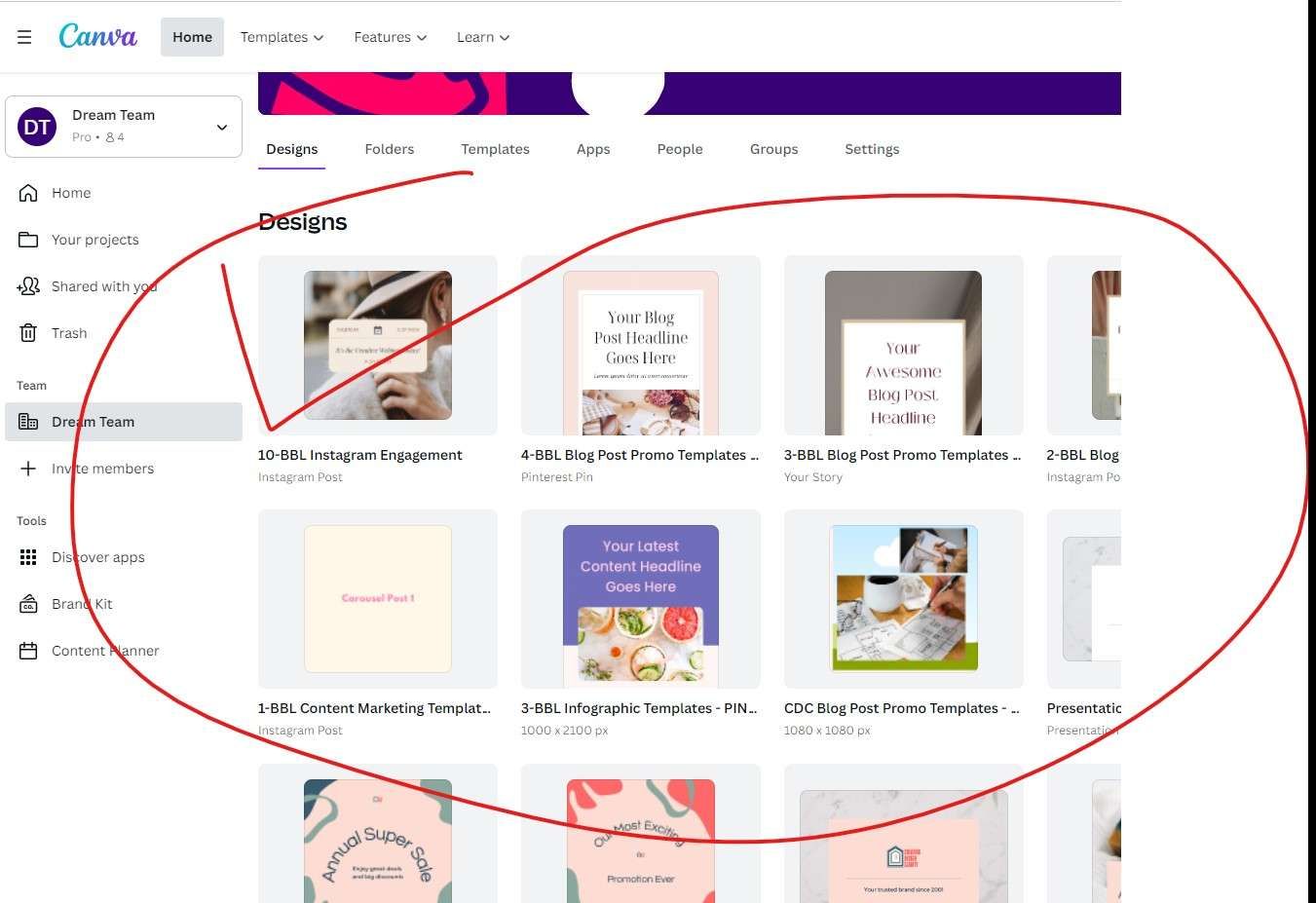
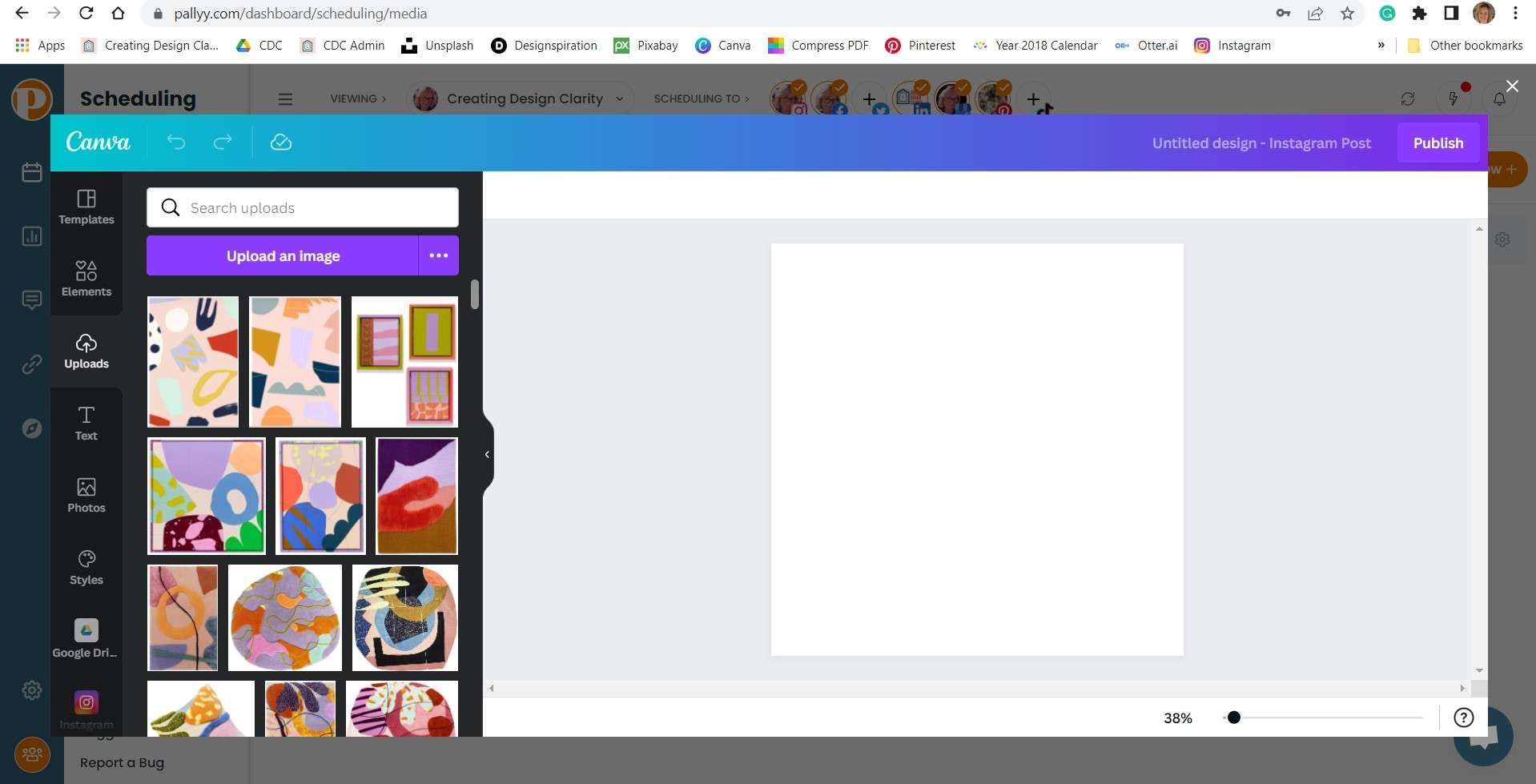
Tim: "That is close, but unfortunately no cigar". Yes, it will now enable me to be logged into Canva Pro account. However, it only allows a crippled version of Canva. i.e. I can only see my uploaded raw images from my desktop in Canva. I cannot see all of my company designed templates or have the ability size and finish off the design in Canva prior to then pulling it into Pallyy :-( This means I have to do significant number of extra steps. i.e. Step 1: Go to CanvaPro account in separate tab. Step 2: Create an individual post (for a particular channel) in CanvaPro. Step 3: Download it to my desktop. Step 4: Then go back to Pallyy and upload the file to Media Library. Step 5: Select image and schedule to post. i.e. The Canva functionality is not available and the Canva button within Pallyy is not required.

May 10, 2022

I would love this feature - would save so much time!