
Apr 3
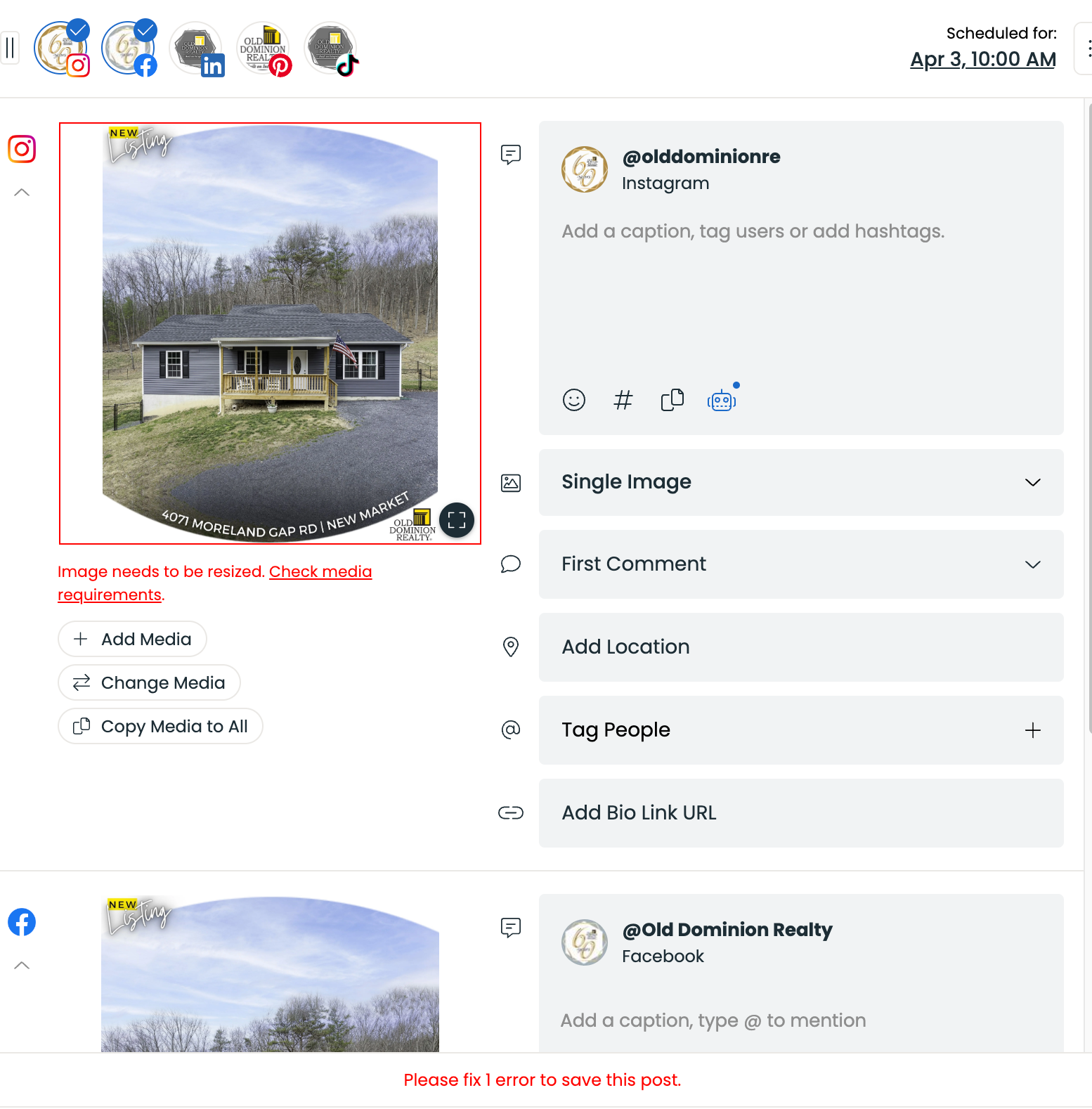
Instagram Size discrepancy
I am having trouble importing the 1080 x 1350 Instagram size from Canva. When I download the file as a jpg I then go to import and get an error message. (Image needs to be resized. Check media requirements.) I go back into Canva and create a new file and go to projects and click on the file that I just got the error message for and download a new file and it imports fine...without errors. Both files are the same size but only the second one will import without errors. I have also tried copying the original file but that also gets the same error message.
Closed
Hey Ann Bosserman, Could you send us that image via the live chat? Cheers