Pallyy
Pallyy
Jun 11

Font is different on bio link page

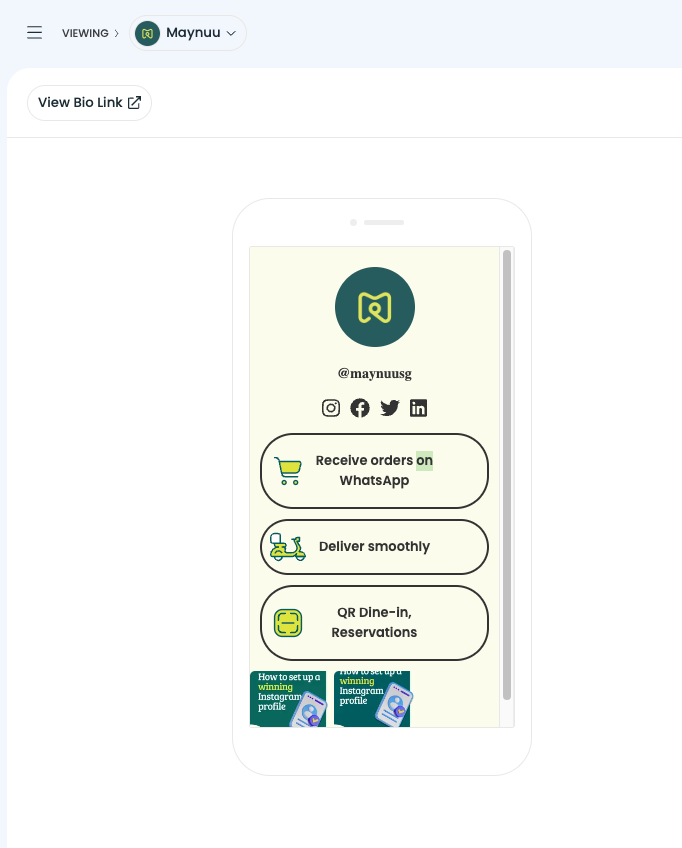
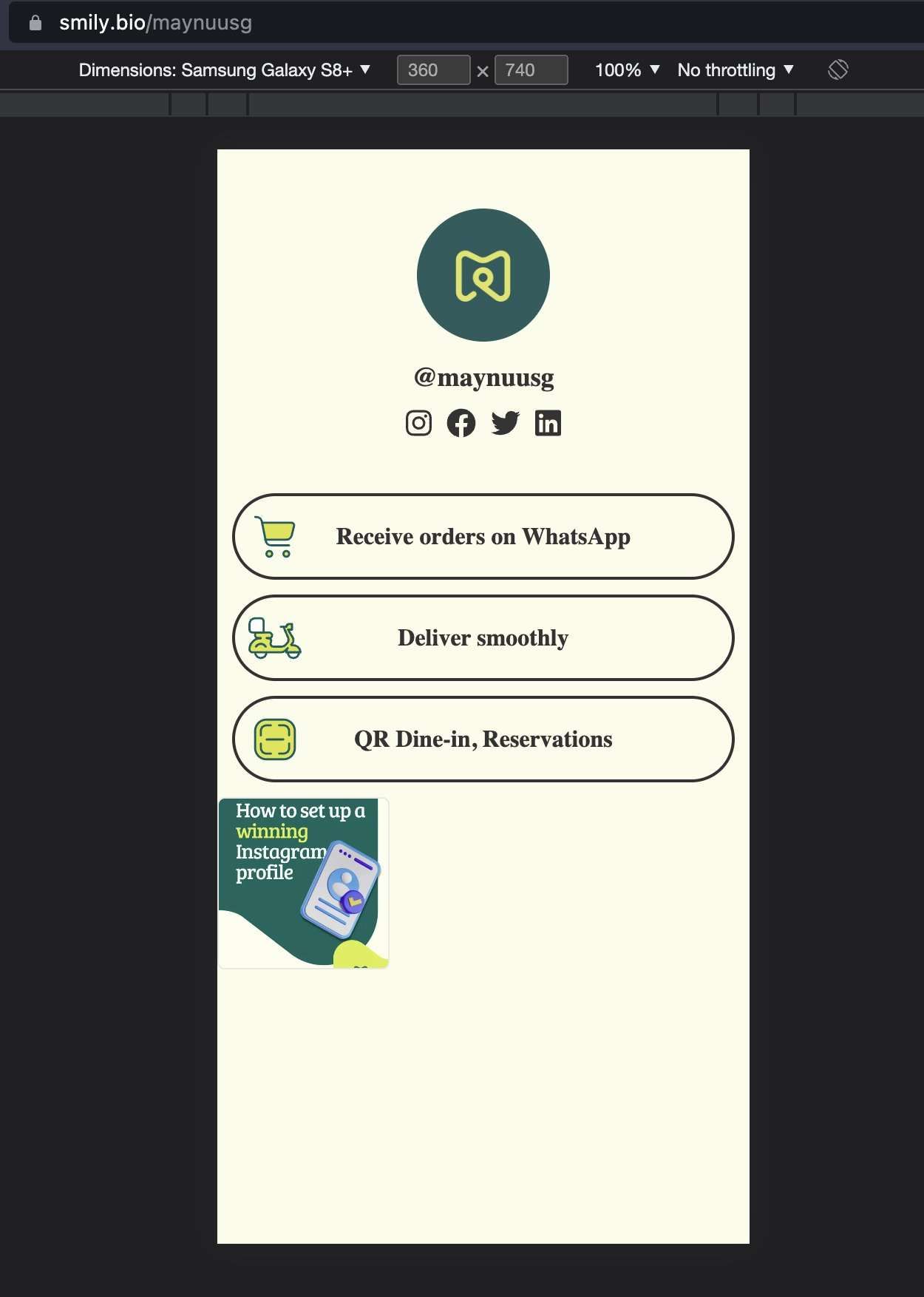
When editing the bio link page, the preview shows up with a sans-serif font, but the actual page displays with a serif one. The serif one is hard to read, and the fact that it differs from the edit page makes me think this is not intentional behaviour.

CompletedCompleted

Jul 26, 2023

Fixed, waiting on confirmation to close ticket.

Jul 26, 2023

Thanks for the CSS Cathryn Strupe and sorry that it took so long to get around too. It's now been fixed. And actually the font was supposed to be Poppins, instead of Montserrat (that was our old font). I also fixed the wording of "Sans Serif" to sans-serif. Could you please double check that it's working as expected now and let me know?

Jul 26, 2023

Tim: Looks great now, thank you!

Jul 26, 2023

Harry Bossert: Amazing, thanks for letting me know!

Jul 26, 2023

Tim: the buttons look fantastic now! Thank you so much for updating this :)

Jul 24, 2023

Hi Tim and team, believe I found the culprit... Safari has an issue displaying the font Montserrat. The second listed font-family should not have quotation marks and have a hyphen (sans-serif). Here's what's showing via Safari Web Inspector: body { font-family: Montserrat,"Sans serif"; } If this is changed to the following, it at least shows in a sans-serif font for Safari browsers: body { font-family: Montserrat,sans-serif; } The two places I'm seeing this needing to be changed are: .buttons-list-item .username Hope this helps! Would love to see this updated for our accounts that use this feature. Thank you :)

Jul 11, 2023

I actually reached out via Live Chat about this within the past few days. Created a post and also saw yours. I'm experiencing the same thing.

Jul 10, 2023

No response to this? It's frustrating when my link page looks so ugly, and fixing it only means changing one line of CSS...

Jun 14, 2023

Noticed this too! The sans-serif font as per Pallyy preview definitely looks much better.