Pallyy
Pallyy
Oct 22

Client Public View: Download Image + Copy Caption

This is a a mostly selfish request, and a long explanation for maybe a simple solution…😄 but would save us HOURS each month creating a page like this (using Elementor Pro widgets): https://vinyardcreative.com/icebox/content. Here’s the scenario… We have a client (Corporate) who has several franchisees (Studios). Each month we work with Corporate to come up with a month’s worth of content. Once that content is finalized and approved by Corporate, we upload each post one by one, image and caption one at a time, in order for it to be downloadable and copyable. In the public Client view, would it be possible (and maybe simple) on your end to add a download button in the top right corner or underneath the image(s) and videos? Other use cases beyond our selfish ones: - Client can download image to take a closer look or reference in comments (esp if they’re able to upload comment images one day) - Client can download video in case it doesn’t load for some reason on the platform - Client can copy caption in order to quickly send over edits (vs. manually copying and pasting to edit and add to comments OR vs. them saying things like “change this part to this part…” They can just click copy and paste into comments and send the updated version in its entirety! Our agency’s needs specifically: - We’re able to leave notes in the comments for Studios (e.g. post on this specific day, photo/content ideas and suggestions to personalize for their location) - We don’t need to screenshot and manually upload a preview of the grid for them and do it again when there are edits - We don’t need to manually upload post by post 🥴 - We essentially wouldn’t have to go through the content upload process twice since we’ve already had everything planned on Pallyy and Studios can pull directly from Corporate-approved content with the public, shareable link without any typos or discrepancies from our current distribution method being so manual. What they see is what is approved! - Studios can leave us comments and requests directly instead of going through Corporate for content needs - Studios can copy the exact captions per platform. We currently only give them the Instagram version Thanks for reading this super long request :). We thought MAYBE it could be a simple update if it’s similar to what you already have (downloading + copying)
CompletedCompleted

Oct 23, 2022

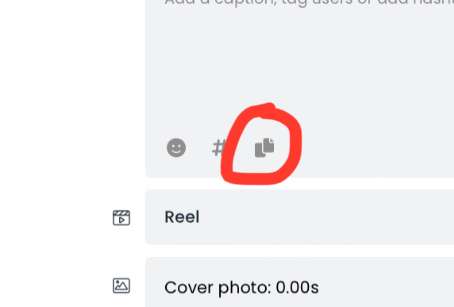
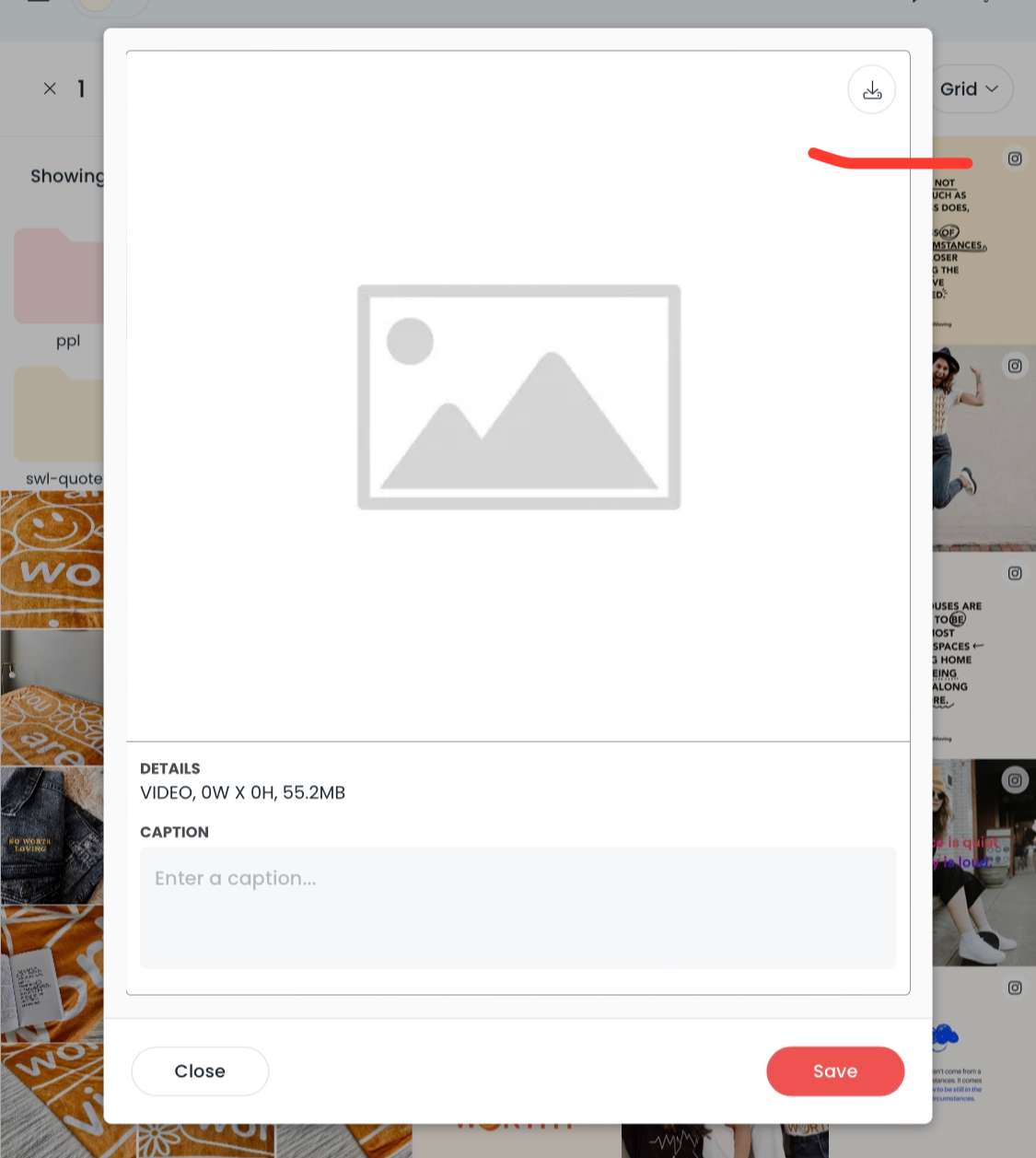
Hey VCG, Yeah this should be fairly easy because funnily enough I just added this the other day but in the dashboard view, not the client view (I've attached a screenshot). It only shows up in the dashboard view after the schedule date because usually that is when you would come in and download it. You can test it out by opening up any post that's past it's schedule date via the dashboard UI. So, in this case if I just copied this function over to the client view it should solve all these issues? I can have it so it is always present - not just after the schedule date. Let me know! This is super easy to do.

Oct 23, 2022

Tim: Oh my gosh. This would be magical!! I love that it’s a 2-in-⁠1 button as well. Yes, would absolutely love to have this feature available always (even before published date) in both the dashboard UI and the client view! ——— This is also so helpful for when clients want to re-post/repurpose something from months ago, on their own, without content quality being sacrificed! (It hurts me inside when they screenshot an old post and repost that way…😢) And in case of an emergency, clients could even download & copy a scheduled post ASAP then post manually or post on their own at a later date. (Then they’d just change the approval status to “Denied” on Pallyy for the original post date/time, which changes the post from Scheduled to Draft, right?) This is a super specific case, but…I have a client who is worried about world catastrophes happening and posts going out that are not timely or that might be insensitive (e.g. a school shooting the day-of or very recently). If they aren’t able to reach out to have us pause or delete the scheduled post within seconds/minutes, this way they have that agency to take care of things themselves! Again, super specific case and in most cases, our team could take it down/unschedule it in a timely manner…

Oct 23, 2022

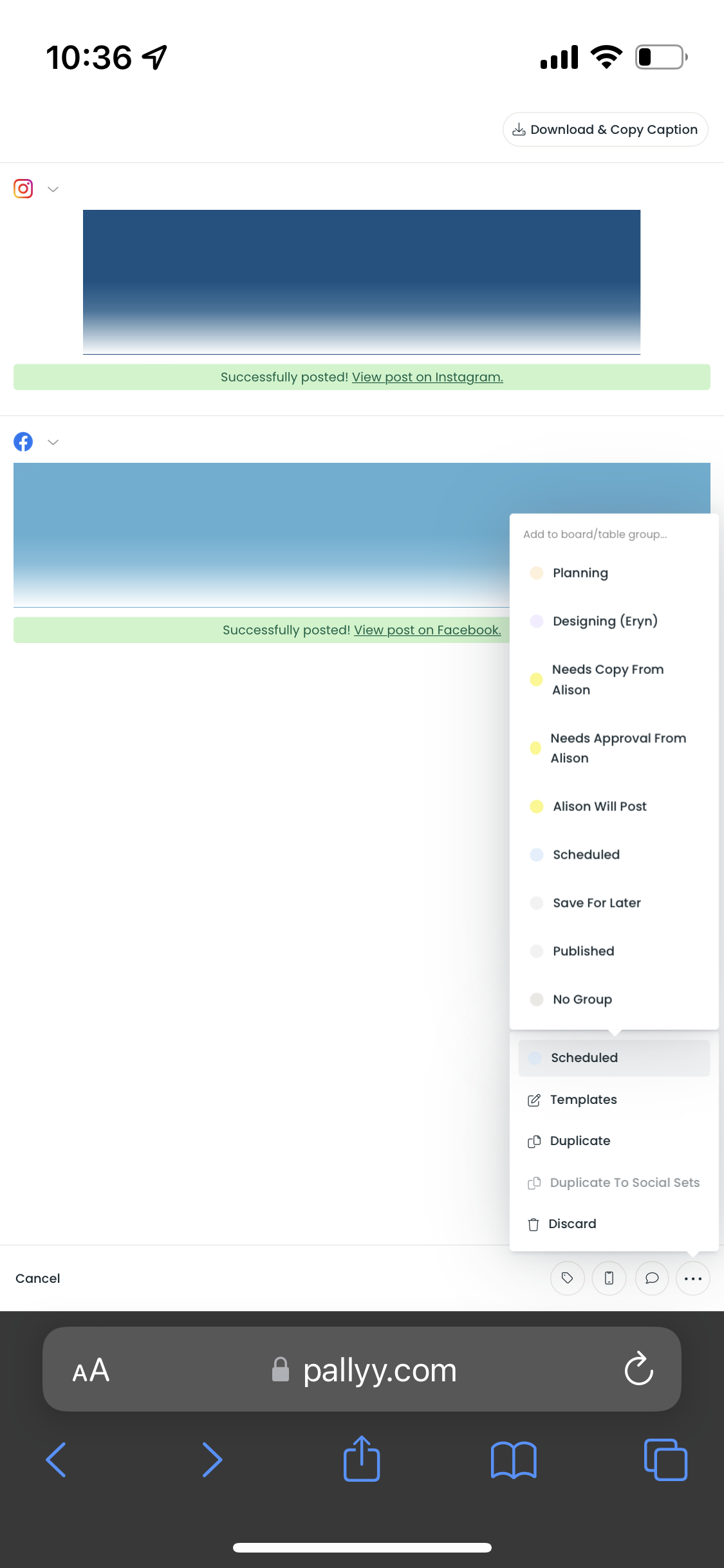
Tim: Can you tell I have lots of thoughts? 🤭😂 Sorrrrry. I’m thinking about this Download & Copy Caption 2-in-⁠1 button. I love it personally and I think most clients will too, especially once content has been approved and scheduled. However, I’m now imagining a case where we’re still in the drafting stage/they change their mind later, and the client wants to provide edits for the caption. Using that 2-in-⁠1 button, they’d have to download the image every single time, even when they’re just trying to copy the caption to edit it. Which would only be a huge inconvenience if they were doing this for multiple posts in one sitting. CONFLICTS: 1. If we introduce multiple buttons (like Download & Copy Caption/Download Media Only/Download Caption Only), we lose real estate and it may look cluttered, especially on Mobile. 2. If we make it so the button creates a dropdown (like the Approved/Pending/Denied), then we’d need to find another way to choose which platform to download/copy from (Instagram/Facebook/etc.) 2a. UNLESS we introduce something like the attached image where you pick one option and another dropdown/drop-up appears, like the Group feature. I’m aware things might start looking too complicated.. 2b. OR we add the button(s) to each platform section instead of at the very top so you don’t have to choose a platform to download/copy from at all. We could potentially run into that issue of things looking cluttered.

Oct 23, 2022

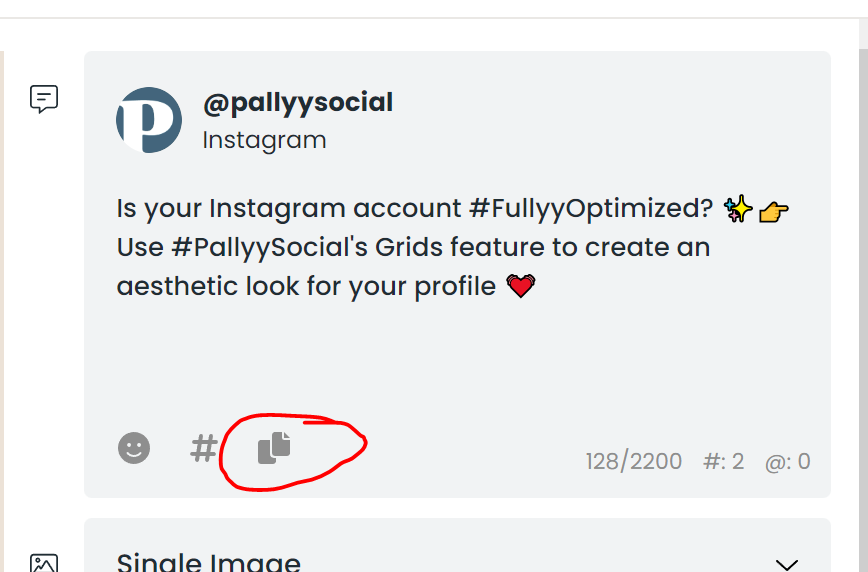
VCG: That's right, when you deny a post it changes to a draft so they can easily do that. I'll think of a way to keep the download button there in the dashboard UI, it will probably go into the "more" menu at the bottom as we don't have the space lol. Haha, yes you have lots of thoughts - but that's great! Yep, that makes sense totally. What about this, we leave the copy & download button as is, but I also add a copy caption icon under each caption, just like we have in the dashboard that will simply copy that caption to the clipboard (except in the dashboard it doesn't copy it to the clipboard). This would be less clutter and confusion I think, you would just have to explain to your clients which one to click? Let me know your thoughts!

Oct 24, 2022

Tim: Yes to leaving the download & copy button and also adding a copy icon underneath every caption!! That’s perfect and shouldn’t be too difficult to educate clients. Especially if it’s just the client view where they’d see it! Appreciate you!

Oct 25, 2022

VCG: Sounds good. They have both been added - please try them and let me know what you think!

Oct 25, 2022

Tim: Amazing!!! Thank you, Tim! So far I have seen the following issues: 1. MOBILE + TABLET + DESKTOP: When it’s a video post, the video doesn’t download. It looks like it’s loading for a few seconds, but it stops and it doesn’t prompt to download to a folder nor auto-download into the Downloads folder. 2. MOBILE + TABLET: When it’s an image carousel, it only downloads one image image instead of downloading a .zip file of all media or prompting to download images individually. That’s in regard to the download button. (I think we can always press and hold to Add to Photos if that functionality doesn’t work) / DESKTOP: it downloads each image one by one…which is in some ways better than a .zip file so I have no issue with that! 🤷🏻‍♀️ 3. MOBILE + TABLET + DESKTOP: When it’s a carousel with an image and a video, it only downloads the image. The single image download and caption copy feature seems to be working perfectly across all devices though! :)

Oct 25, 2022

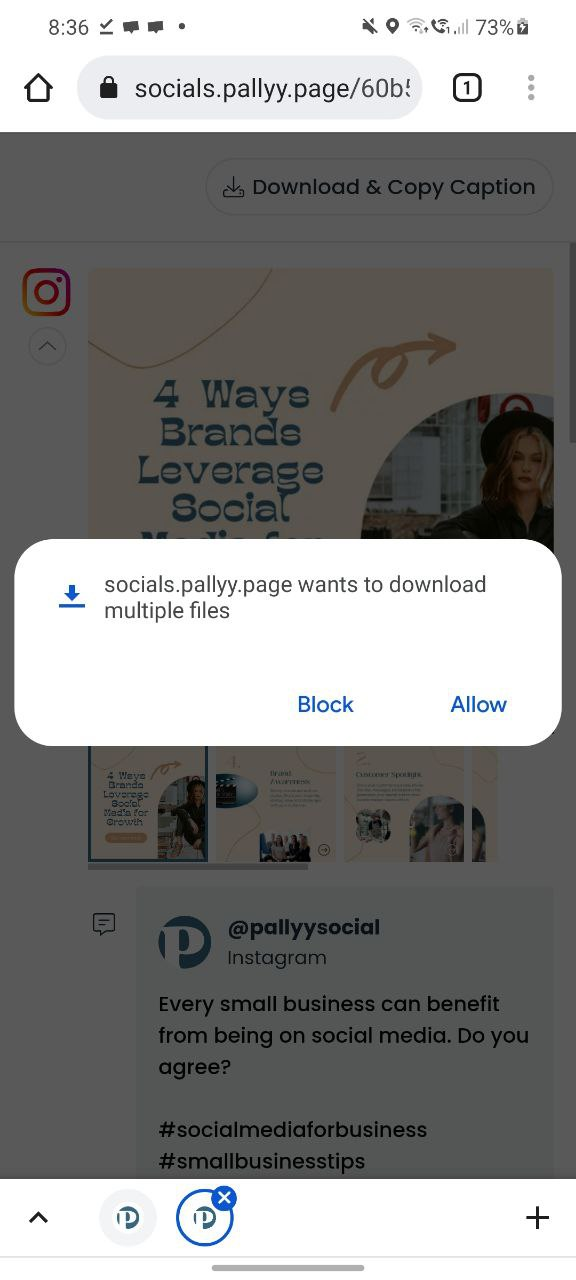
VCG: Hey! Could you screenshot the post it won't download so I can test it specifically? I've just tested in Chrome on mobile and it downloads videos & multiple images - although if it's multiple I get a "Allow multiple downloads?" prompt from the browser first (attached a screenshot). Which browser were you using? There won't be any zip files, just multiple files as zipping is a whole other project in itself.

Oct 26, 2022

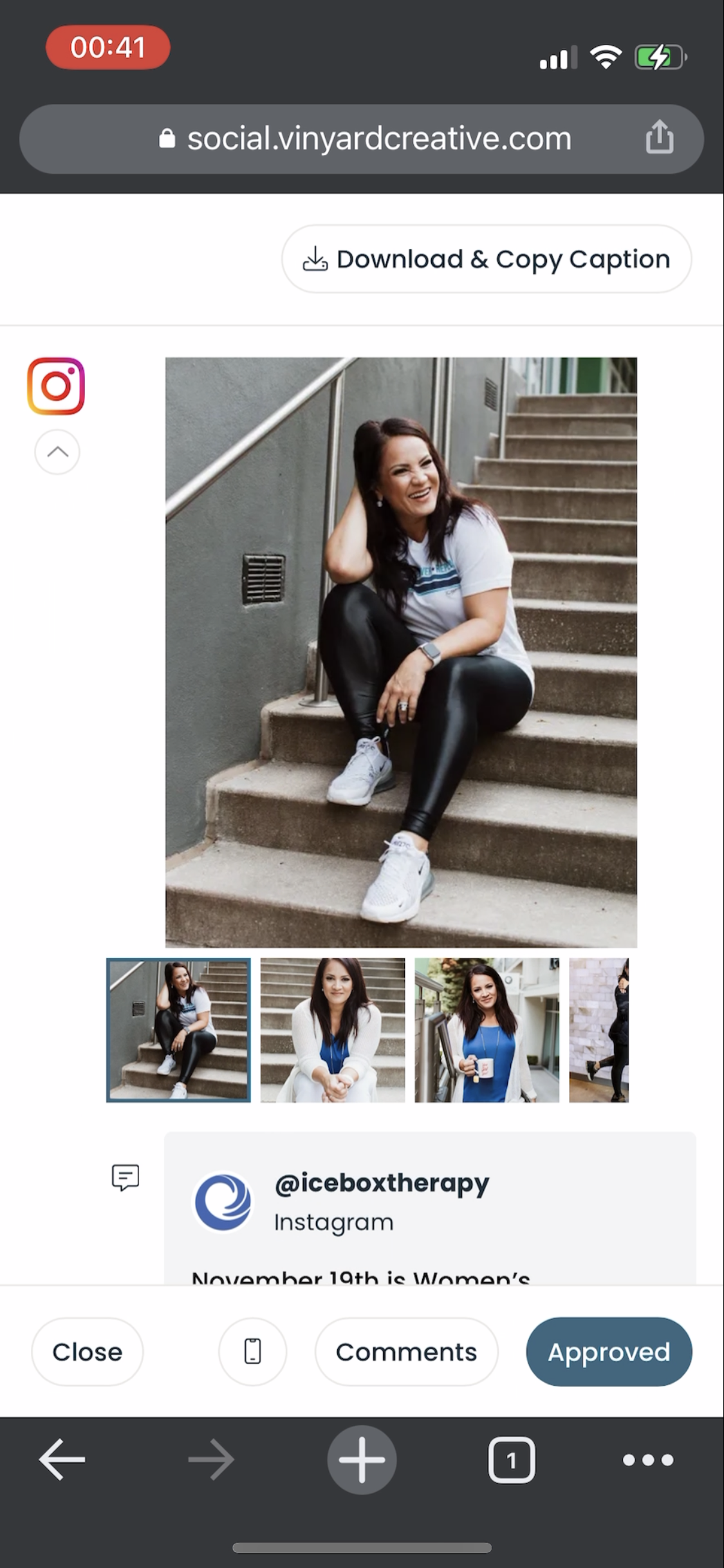
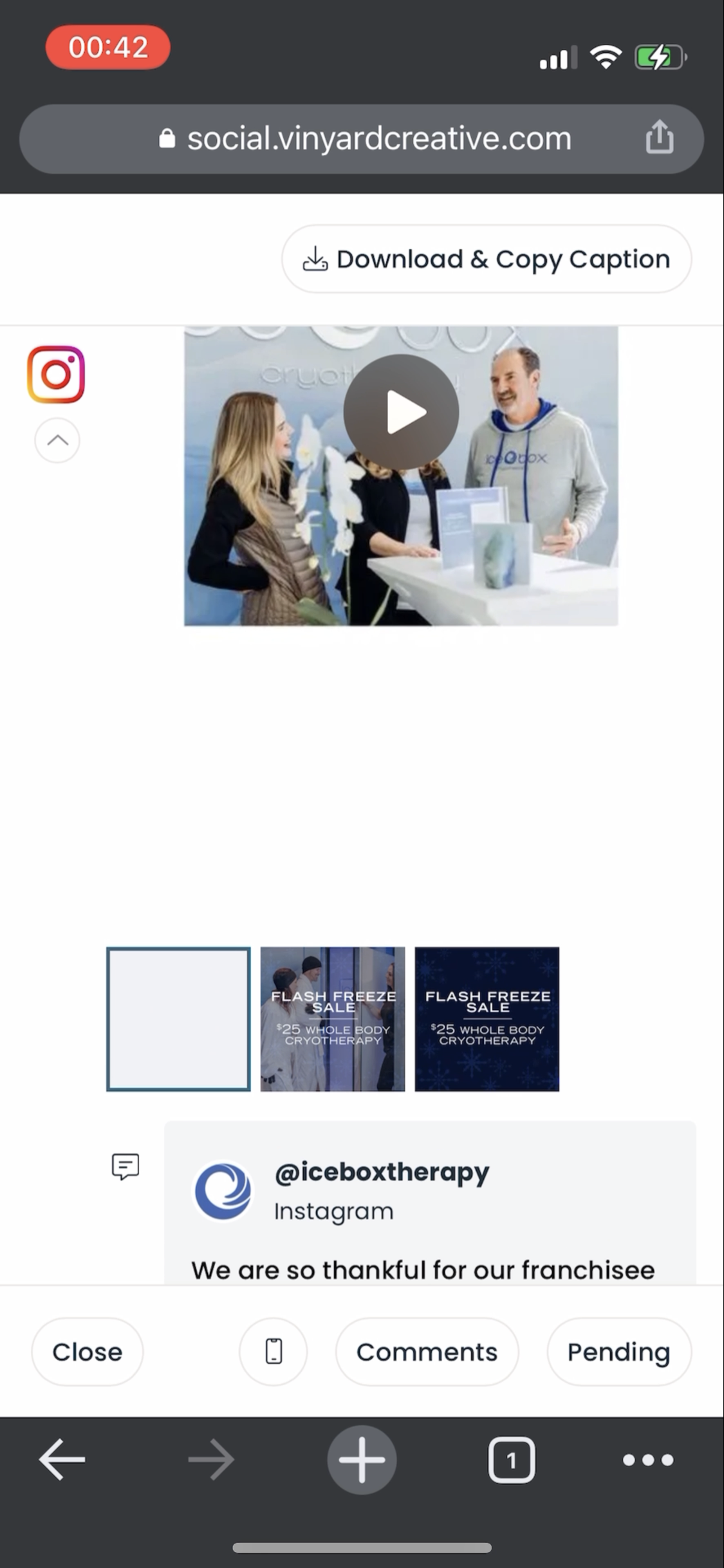
Tim: It’ll be Nov 18 and 19 posts for the client Icebox! Here are also two screenrecordings if they’re at all useful! Chrome, mobile: https://bit.ly/3gLyMy2 Safari, mobile: https://bit.ly/3TDhEcH

Oct 27, 2022

VCG: Thanks! So turns out it's an iPhone issue but there's no way around it so, we have to go the ZIP route. I've built it now so that if it's more than 1 media it will zip & download, otherwise it will just download directly. This is the only way to do it but works across all browsers & mobiles. Let me know what you think!

Oct 27, 2022

Tim: Thank you!! We don’t have any expectations of you to do these things so quickly (or even at all!) so I really appreciate you considering requests and working on this even though it took much more work than you expected with the .zip file feature. Thanks so much! It works beautifully.

Oct 27, 2022

VCG: No worries! Building the zip feature was easier than I expected, which is always nice :) If you're able to leave us a review that would be great. You can do one on Twitter, or here: https://reviews.capterra.com/new/235294

Oct 28, 2022

Tim: done via Capterra :)

Oct 28, 2022

VCG: Thanks so much!